Creating Characters
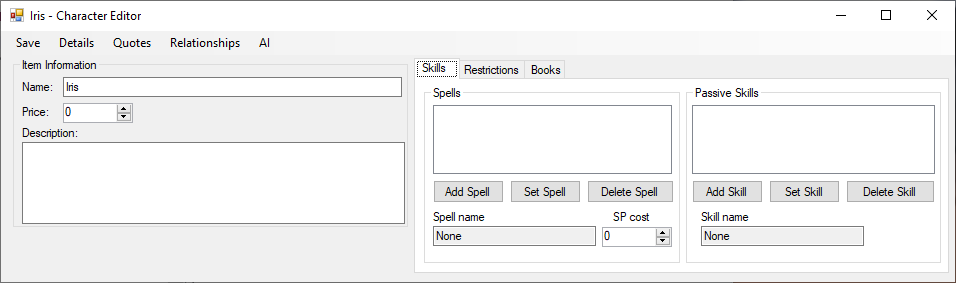
The Character Editor let you enter a name, a price if the character can be bought in the shop and a description. At the top you have more options.
On the right you can set some unique traits to your character but are disabled by default by most game modes. First you can assign spells that this character will able to use at any time, it work the same way as spell cards but use special Spell Points to activate. Then you can set passive skills, those are activated automatically depending if the requirement is met. They can be fully passive like a skill that increase the cost of all fire cards by 50% or they can give you a free card when you defeat a creature.
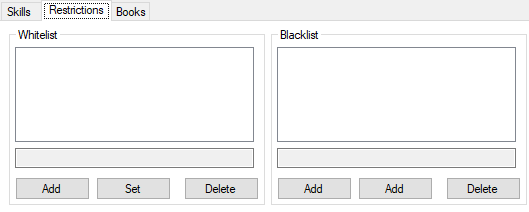
In the second tab you have access to the blacklist and whitelist options. They let you limit which cards the character can or can’t use. If you only want fire card, use the whitelist with fire card, it will prevent anything else from being used. If you only want to block specific cards, use the blacklist. Both whitelist and blacklist support specific card names or entire categories like Fire Cards or Spell Cards.
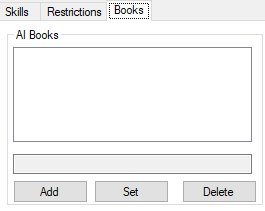
In the third tab you can add books for the character will use when controlled by an AI by default. The player can still add and create new books in the game.
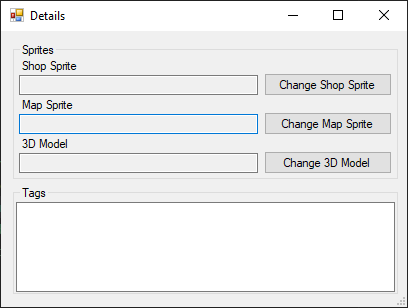
In the detail popup you can set the sprite used for the shop and character selection. If your character is a sprite, you can set the sprite, if it’s a 3D model set the 3D model. You can also set tags to help categorise and sort the character in different menus. The tags can also be used to different game modes to ban certain characters, like banning all characters with the Aggressive tag.
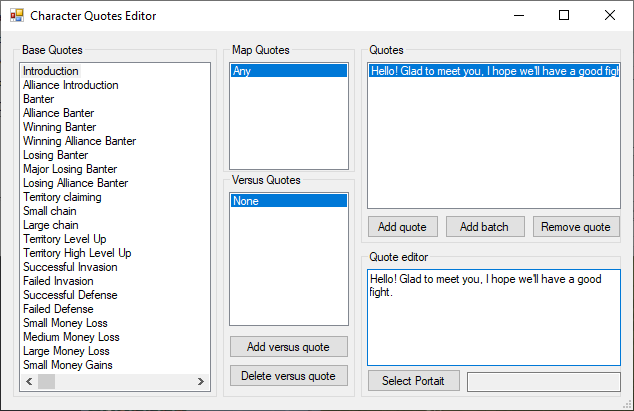
In the Quotes popup you will see different categories of dialog on the left, after selecting one you can write dialog for specify specific maps and specific opponents or you can write for any of them. In the example image we have an Introduction that will work on any map against anyone. You can also select a different expression for that dialog or leave it empty to use the default.
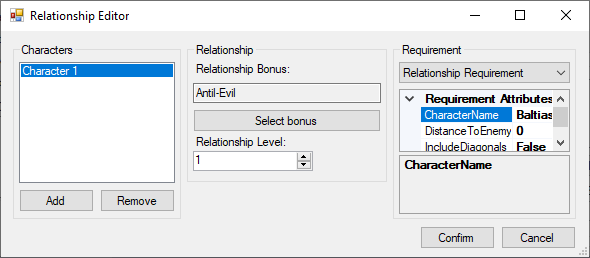
The relationship popup let you assign passive skills that activate when another character is close. You can also do the same thing using the skill on the main editor, it’s mostly to keep things organised.
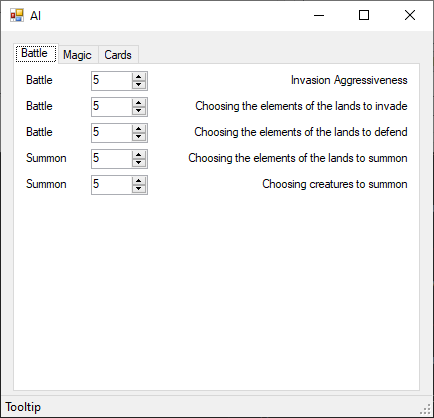
The AI page will let you define the default behavior of the character, you can change how it handle money, movement, territory, spells, items and creatures.